


Football Manager 2012

allen je napisao/la:
NETKO JE BIO PITAO ZA NIŽE ENGLESKI LIGE DA BI RADIO U EDITORUna FM Updates to je vec napravljeno (nisam skidao pa neznam kako to izgleda,ali navodno da je dobro)
evo vam link za download
http://www.box.net/shared/h0nee1mobq84io3703lj

v6.0 IS NOW AVAILABLE!
This release is only available in one version which does not include County FA Cups.
Version 6.0 iscompatible with the FM2012 Default Database (12.0.0) and the latestFM2012 Version (12.0.3) only. Later versions will not be supporteduntil tested.
See the bottom of this post for the complete changelist.
Levels 7 & 8 League Activation **PLEASE READ & FOLLOW INSTRUCTIONS**
1.Extract the .dbc file "v6.0 FMUpdates FM2012 England Levels 7 & 8"to the Sports Interactive\Football Manager 2012\editor data folder inyour My Documents (PC) / Documents (MAC) folder. If there is no 'editordata' folder then please create one and copy the folder into it.
2. Load FM2012
3. Select ‘Preferences’ and go to the ‘Display/Sound’ tab. UNTICK use skin cache. TICK ‘Always Reload Skin on Confirm’
4. When completed, leave preferences and ‘Start A New Game’
5. In the dialog window that pops up, TICK the change box.
6. Select the LATEST file (v6.0) in the list, if not already. Deselect ALL OLD VERSIONS!
7.Start a new game as normal, selecting FM2012 defeault database andselect level 8 (English Regional First Divisions) as the lowest activeleague.
8. Select 'Add Key Staff' and 'Add Key Players to Active Teams'.
9. Ensure 'Use Real Fixtures When Available' is ticked.
10. Select 'Custom Database' and ensure you add 'Load All Players Based in England'
These files are not saved game compatible and require a new game to be started.
Youmay experience issues because you are loading other editor .xml or .dbcfiles that are causing a conflict. If you are having problems thenplease:
1. Delete everything in the 'editor data' folder.
2. Download the latest v6.0 file
3. Extract the .dbc v6.0 FMU FM2012 England Levels 7 and 8 file to the 'editor data' folder
4. Start a new game as per the league activation instructions
Media Instructions
Thanksto daniellewis_789 for allowing us to include his excellent mediaupdate in our release, including an exclusive media update for the newcompetitions added as part of our league expansion.
# British_Mediav7.0.edt
# British_Journalistsv7.0.edt
# AND Extra_Media_Sources.edt, which is only to be used in conjunction with this release
These EDT files have been converted to .dbc files.
1.Extract the .dbc file "British Journalists & Media v7.0 BETA" tothe Sports Interactive\Football Manager 2012\editor data folder in yourMy Documents (PC) / Documents (MAC) folder. If there is no 'editor data'folder then please create one and copy the folder into it.
2. Load FM2012
3. Select ‘Preferences’ and go to the ‘Display/Sound’ tab. UNTICK use skin cache. TICK ‘Always Reload Skin on Confirm’
4. When completed, leave preferences and ‘Start A New Game’
5. In the dialog window that pops up, TICK the change box.
6. Select the LATEST file (v7.0 BETA) in the list, if not already.
7. Start a new game as normal
These files are not saved game compatible and require a new game to be started.
FAQ
* Can you explain the English Non-league system?
The BBC Sport website has an excellent guide to how the English non-league system operates - LINK
This file includes levels 1 to 8 activated, which is down to step 4 in the English Non-League pyramid:
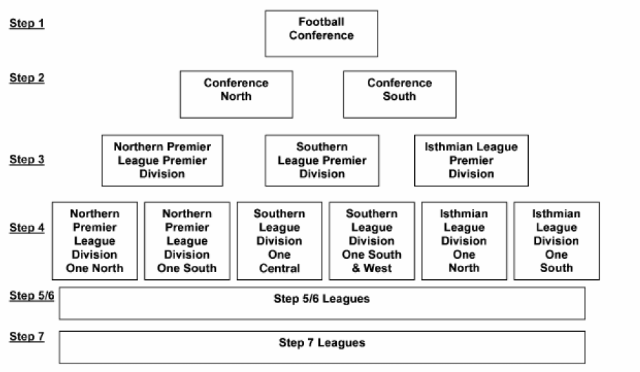
* Why is my team in the Northern Premier League, shouldn't they be in the Isthmian League?
Oneof the qwerks of the English non league steps is how much change thereis every season. This all depends on which teams are selected forpromotion from Level 9 that may not easily fit into the regionalgeography of Levels 7 and 8. For Football Manager this is a problem aswhilst rules have been set for each league and the vast majority ofteams, unfortunately you can't programme common sense into the dataeditor. On the rare occasion you may find a team sorted into the wrongdivision, be rest assured that when the first opportunity arises toplace them back into their correct division the game will sort themcorrectly.
* Why do I need to add All Key Staff?
Irecommend you tick 'Add key staff'. That way all the staff you need,i.e. a physio and assistant manager will be generated for the clubswhere there is not one set in the database.
* Are you planning on providing a data update for these teams so they have the correct players and staff etc?
Thisis not a player data update, no players have been added or their statsamended and I have no intention of adding this information.
* What is the rulebook?
Theeditor is limited in what match and competition rules can be input. Asan example, clubs in Levels 7 and 8 are only permitted to give a player acontract, known as League Forms, for one playing season only.
I'vereviewed the Isthmian, Southern and Northern League Handbooks and Rulesand I have devised a simple rule book for gamers to follow (if theywish) to help make playing these leagues more realistic. The RulebookPDF is combined within the file download.
predobro :D
valjda cu znati to ubaciti u igricu


MMA
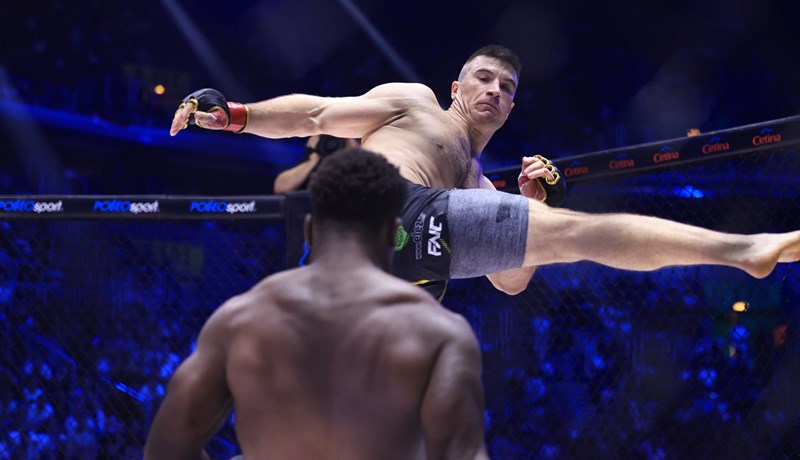
FNC 29: Matej Batinić i Ivan Sičaja upisali poraze i ostali bez pojasa prvaka
Originalno
Jednima bodovi i mir, drugima su odavno upaljeni alarmi

MMA
FNC 29: Tomislav Sičaja odradio jednu od najboljih borbi u karijeri i nokautirao opasnog Poljaka
MMA
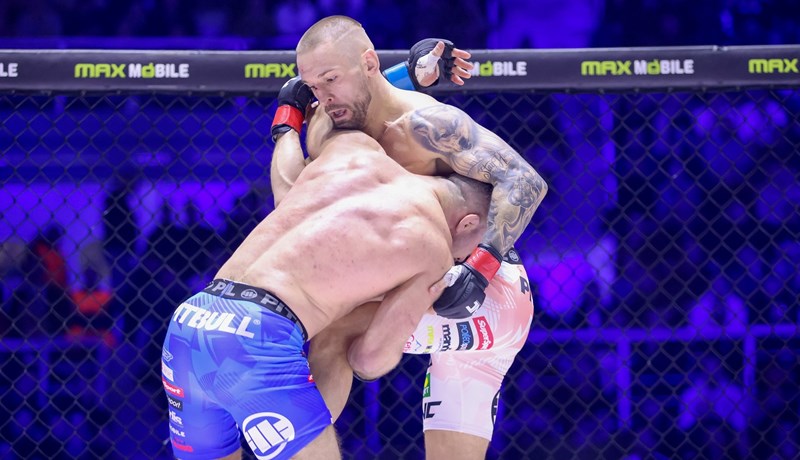
FNC 29: Strahovit nokaut Eduarda Kexela, Ivan Sičaja predao pojas prvaka

- Najnovije
- Najčitanije
Vukovar 1991 - Dinamo: Stipić traži prvu pobjedu od povratka u SHNL, ali stiže mu Kovačevićeva mašinerija
50 min•Nogomet
FNC u Beogradu: Greg Hardy ide na Stošića, a Ivica Trušček se bori za pojas
55 min•MMA
UFC 320: Ulberg nokautirao Prochazku i postao UFC prvak poluteške kategorije
2 sata•MMA
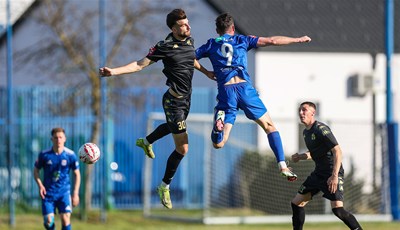
SuperSport Prva NL: Jarun protiv Opatije za izlaz iz mini krize, Croatia se 'čupa' protiv Dugopolja
2 sata•Nogomet
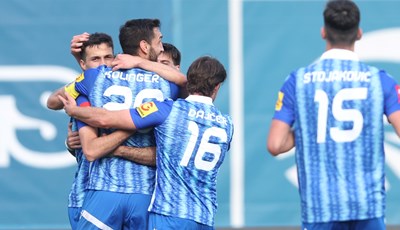
Jednima bodovi i mir, drugima su odavno upaljeni alarmi
3 sata•Originalno

FNC 29: Matej Batinić bez pravog odgovora, predao je pojas Jakobu Nedohu
11 sati•MMA
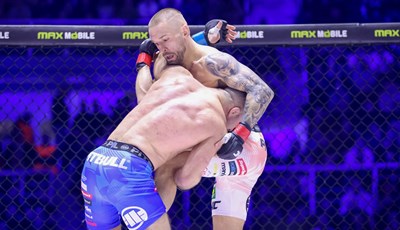
FNC 29: Strahovit nokaut Eduarda Kexela, Ivan Sičaja predao pojas prvaka
12 sati•MMA
KRONOLOGIJA: Dubrava Tim Kabel - Cibalia 2:2 (SuperSport Prva NL)
22 sata•Nogomet
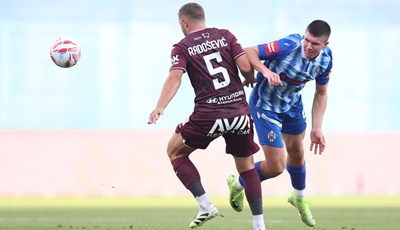
KRONOLOGIJA: Lokomotiva - Istra 1961 2:0 (SHNL)
20 sati•Nogomet
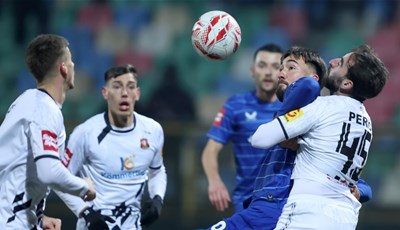
KRONOLOGIJA: Gorica - Dinamo 3:6 (SHNK)
3 dana•Nogomet
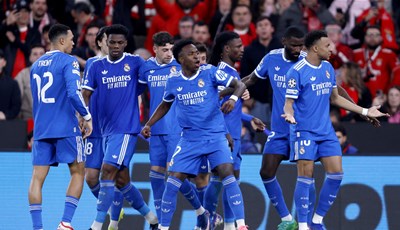
Real Madrid sastavlja momčad za iduću sezonu, talentirani veznjak na rubu povratka
20 sati•Nogomet
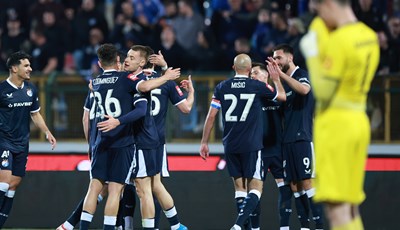
Dinamo u drugom dijelu sezone nezaustavljiv, treća je najefikasnija momčad Europe u ovoj sezoni
21 sat•Nogomet
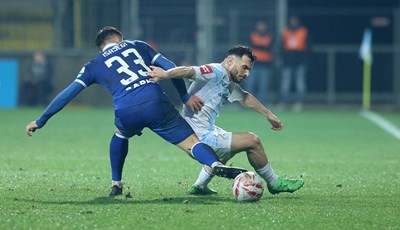
KRONOLOGIJA: Rijeka - Slaven Belupo 2:0 (SHNK)
3 dana•Nogomet
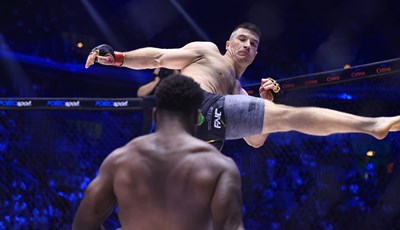
FNC 29: Matej Batinić i Ivan Sičaja upisali poraze i ostali bez pojasa prvaka
17 sati•MMA
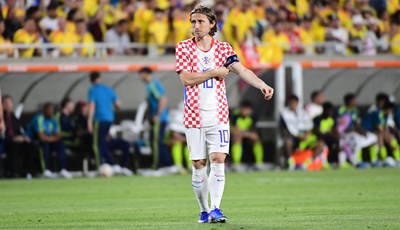
Nike priznao grešku na dresovima: 'Estetika nije na željenoj razini'
20 sati•Nogomet