


Football Manager 2012


http://forum.fm-view.com/topic/14568-fmv12-logos/
evo ti grbova za HNL..i za pun k... ostalih liga
također imas i slike za stadiona http://forum.fm-view.com/topic/14031-croatia-backgrounds/#entry308574
a facepackove i dresove za HNL za sada nisam našao a i neda mi se trazit...ode na igranje fm
evo ti grbova za HNL..i za pun k... ostalih liga
također imas i slike za stadiona http://forum.fm-view.com/topic/14031-croatia-backgrounds/#entry308574
a facepackove i dresove za HNL za sada nisam našao a i neda mi se trazit...ode na igranje fm


NETKO JE BIO PITAO ZA NIŽE ENGLESKI LIGE DA BI RADIO U EDITORU
na FM Updates to je vec napravljeno (nisam skidao pa neznam kako to izgleda,ali navodno da je dobro)
evo vam link za download
http://www.box.net/shared/h0nee1mobq84io3703lj
na FM Updates to je vec napravljeno (nisam skidao pa neznam kako to izgleda,ali navodno da je dobro)
evo vam link za download
http://www.box.net/shared/h0nee1mobq84io3703lj

v6.0 IS NOW AVAILABLE!
This release is only available in one version which does not include County FA Cups.
Version 6.0 is compatible with the FM2012 Default Database (12.0.0) and the latest FM2012 Version (12.0.3) only. Later versions will not be supported until tested.
See the bottom of this post for the complete changelist.
Levels 7 & 8 League Activation **PLEASE READ & FOLLOW INSTRUCTIONS**
1.
Extract the .dbc file "v6.0 FMUpdates FM2012 England Levels 7 & 8"
to the Sports Interactive\Football Manager 2012\editor data folder in
your My Documents (PC) / Documents (MAC) folder. If there is no 'editor
data' folder then please create one and copy the folder into it.
2. Load FM2012
3. Select ‘Preferences’ and go to the ‘Display/Sound’ tab. UNTICK use skin cache. TICK ‘Always Reload Skin on Confirm’
4. When completed, leave preferences and ‘Start A New Game’
5. In the dialog window that pops up, TICK the change box.
6. Select the LATEST file (v6.0) in the list, if not already. Deselect ALL OLD VERSIONS!
7.
Start a new game as normal, selecting FM2012 defeault database and
select level 8 (English Regional First Divisions) as the lowest active
league.
8. Select 'Add Key Staff' and 'Add Key Players to Active Teams'.
9. Ensure 'Use Real Fixtures When Available' is ticked.
10. Select 'Custom Database' and ensure you add 'Load All Players Based in England'
These files are not saved game compatible and require a new game to be started.
You may experience issues because you are loading other editor .xml or .dbc files that are causing a conflict. If you are having problems then please:
1. Delete everything in the 'editor data' folder.
2. Download the latest v6.0 file
3. Extract the .dbc v6.0 FMU FM2012 England Levels 7 and 8 file to the 'editor data' folder
4. Start a new game as per the league activation instructions
Media Instructions
Thanks to daniellewis_789 for allowing us to include his excellent media update in our release, including an exclusive media update for the new competitions added as part of our league expansion.
# British_Mediav7.0.edt
# British_Journalistsv7.0.edt
# AND Extra_Media_Sources.edt, which is only to be used in conjunction with this release
These EDT files have been converted to .dbc files.
1.
Extract the .dbc file "British Journalists & Media v7.0 BETA" to
the Sports Interactive\Football Manager 2012\editor data folder in your
My Documents (PC) / Documents (MAC) folder. If there is no 'editor data'
folder then please create one and copy the folder into it.
2. Load FM2012
3. Select ‘Preferences’ and go to the ‘Display/Sound’ tab. UNTICK use skin cache. TICK ‘Always Reload Skin on Confirm’
4. When completed, leave preferences and ‘Start A New Game’
5. In the dialog window that pops up, TICK the change box.
6. Select the LATEST file (v7.0 BETA) in the list, if not already.
7. Start a new game as normal
These files are not saved game compatible and require a new game to be started.
FAQ
* Can you explain the English Non-league system?
The BBC Sport website has an excellent guide to how the English non-league system operates - LINK
This file includes levels 1 to 8 activated, which is down to step 4 in the English Non-League pyramid:
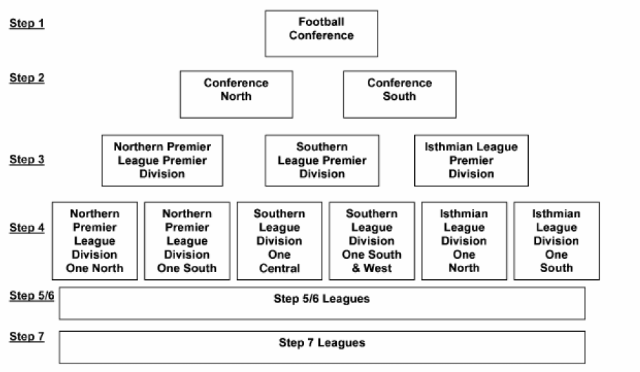
* Why is my team in the Northern Premier League, shouldn't they be in the Isthmian League?
One of the qwerks of the English non league steps is how much change there is every season. This all depends on which teams are selected for promotion from Level 9 that may not easily fit into the regional geography of Levels 7 and 8. For Football Manager this is a problem as whilst rules have been set for each league and the vast majority of teams, unfortunately you can't programme common sense into the data editor. On the rare occasion you may find a team sorted into the wrong division, be rest assured that when the first opportunity arises to place them back into their correct division the game will sort them correctly.
* Why do I need to add All Key Staff?
I recommend you tick 'Add key staff'. That way all the staff you need, i.e. a physio and assistant manager will be generated for the clubs where there is not one set in the database.
* Are you planning on providing a data update for these teams so they have the correct players and staff etc?
This is not a player data update, no players have been added or their stats amended and I have no intention of adding this information.
* What is the rulebook?
The editor is limited in what match and competition rules can be input. As an example, clubs in Levels 7 and 8 are only permitted to give a player a contract, known as League Forms, for one playing season only.
I've reviewed the Isthmian, Southern and Northern League Handbooks and Rules and I have devised a simple rule book for gamers to follow (if they wish) to help make playing these leagues more realistic. The Rulebook PDF is combined within the file download.


Originalno
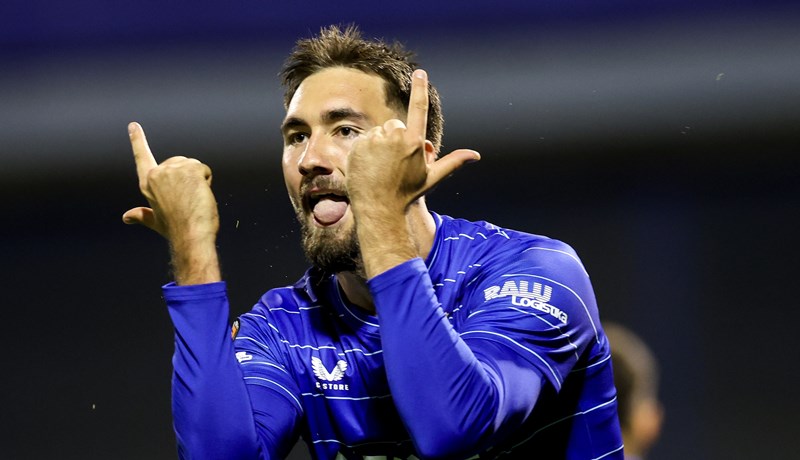
Fun fact: Beljo je ove sezone zabio više golova nego Matanović u cijeloj seniorskoj karijeri
Originalno
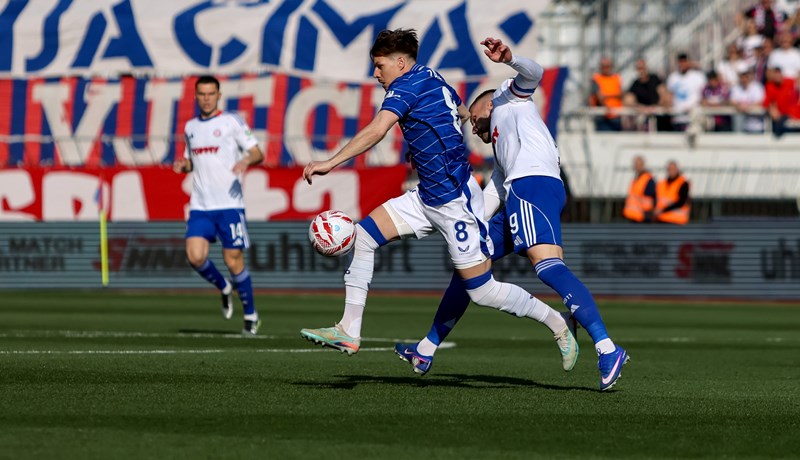
Top 10 stranaca u SuperSport HNL-u: Miha Zajc predvodi zanimljiv popis
Nogomet
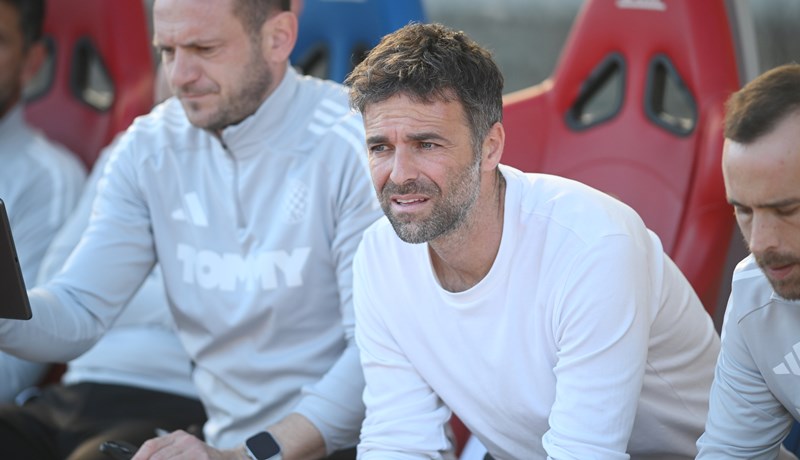
Garcia: 'Težak teren, zadnji put je u Koprivnici bilo jako zahtjevno'
Originalno
Samo su četiri kluba u SuperSport HNL-u ove sezone mijenjala trenere, Vukovar ih predvodi
- Najnovije
- Najčitanije
Delegirani suci za 30. kolo SHNL-a: Poznato tko će suditi dvoboj Dinama i Rijeke
37 min•Nogomet
Gregurina: 'Probat ćemo limitirati Hajduk, trenutačno se ne možemo natrčavati s njim 90 minuta'
48 min•Nogomet
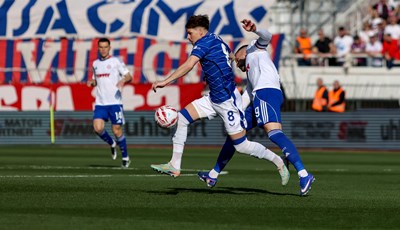
Top 10 stranaca u SuperSport HNL-u: Miha Zajc predvodi zanimljiv popis
1 sat•Originalno
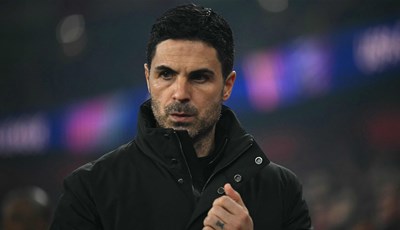
Arteta: 'Prvi put u 140 godina dva puta zaredom Arsenal je u polufinalu Lige prvaka'
1 sat•Nogomet
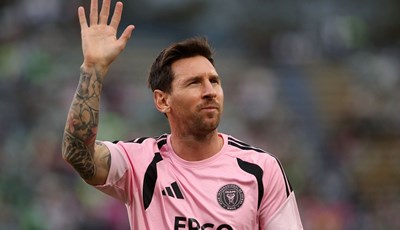
Klupu Intera iz Miamija preuzima dosadašnji sportski direktor i Messijev mentor
1 sat•Nogomet
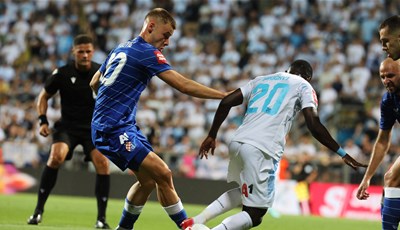
Potvrđen termin finala SuperSport Hrvatskog kupa između Dinama i Rijeke na Opus Areni
2 sata•Nogomet
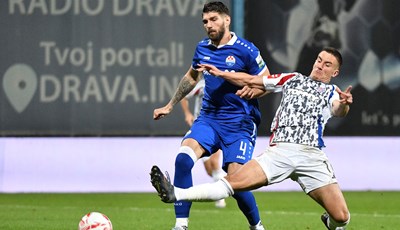
Slaven Belupo - Hajduk: Farmaceuti traže prekid negativnog niza, čeka ih težak posao protiv Hajduka
3 sata•Nogomet
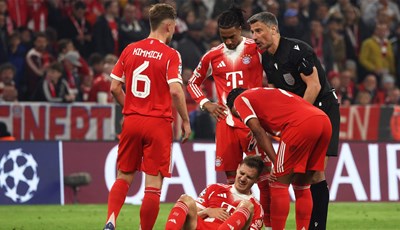
Stanišić: 'Rüdigerovo ponašanje je nedopustivo, nije važno igrate li jedan protiv drugoga i poznajete li se ili ne'
4 sata•Nogomet
Najveća Hajdukova pojačanja: Rebić je pokazao najviše, dvojica potencijalan zalog za budućnost
23 sata•Originalno
Fun fact: Beljo je ove sezone zabio više golova nego Matanović u cijeloj seniorskoj karijeri
6 sati•Originalno
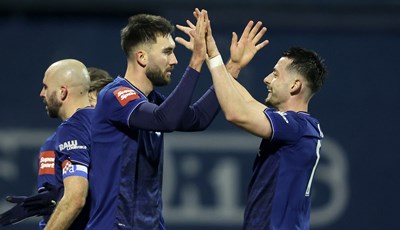
KRONOLOGIJA: Vukovar 1991 - Dinamo 1:4 (SHNL)
2 dana•Nogomet
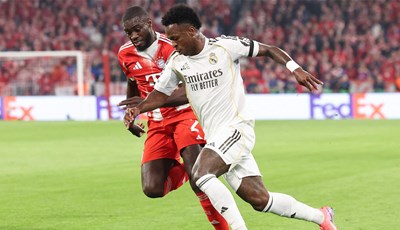
Thierry Henry: 'U Realu su mislili da su nedodirljivi kraljevi, ali Bayern je imao recept za kraljeve preokreta'
4 sata•Nogomet
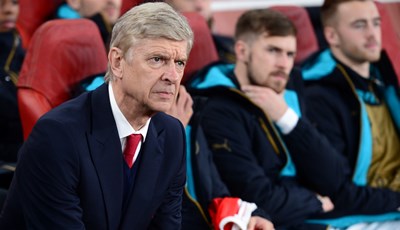
Kada velikani posrću: Tko je pao s vrha i prokockao titule?
19 sati•Originalno
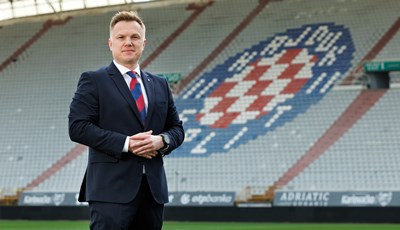
Novi sportski direktor Hajduka: 'Došao sam u ogroman klub, velika je odgovornost, ali i čast'
20 sati•Nogomet
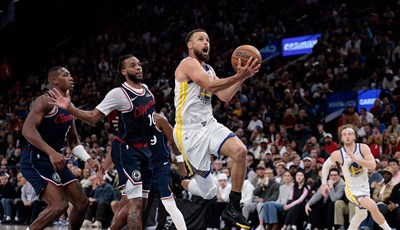
Warriorsi na krilima Curryja izborili finale, a Sixersi predvođeni Maxeyjem doigravanje
4 sata•Košarka